Residential proxy detection looks for evidence of relayed traffic coming from addresses associated with access networks. A residential ASN alone does not establish that a connection is direct. Useful evaluation combines known relay observations, connection measurements, device context and the account activity behind the request.
Research on residential proxies describes infrastructure spread across consumer access networks, making a simple datacenter-IP filter an incomplete approach. See Shining Light into the Tunnel for a study of this category. Here, the practical question is how to compare detection products against the residential traffic your own service receives.
Start by defining the outcome
Separate two labels in the pilot: whether the connection is a residential proxy, and whether the activity violates your product's policy. A correct proxy classification does not by itself settle the account decision. Conversely, account abuse can be established even when the connection type remains uncertain.
Write down how a reviewer will determine each label before examining vendor scores. You might have controlled connections for network ground truth and an independent account review for the business outcome. Keep unknown cases unknown instead of treating them as legitimate or abusive by default.
This produces a more useful comparison than asking which tool returns the largest number of flags. A product can generate more flags by being less selective. You need to see which relevant cases it catches and what happens to legitimate customers.
Evaluate signals in layers
Use the following table to ask focused questions during a vendor demonstration or parallel test. A tool may cover some layers and rely on another system for the rest.
| Layer | What to investigate | What to avoid assuming |
|---|---|---|
| IP observations | Known relay activity and when it was observed | Every residential address is direct |
| Connection analysis | Measurements that support a relayed-path result | A long delay proves proxy use |
| Browser and device context | Whether the observed environment is consistent | One changed setting identifies abuse |
| Visitor history | Whether earlier activity connects across exits | Every new IP is a new person |
| Account outcomes | Registration, benefit and login relationships | A proxy label proves fraud |
Connection measurements are an active research area. The USENIX CalcuLatency paper studies a way to compare round-trip observations across layers. Use it to understand the type of evidence possible, not to transplant research results into an unrelated vendor's performance claim.
Build a pilot around rotation
Test what happens when the exit changes while the underlying activity remains connected. A useful controlled sequence is to perform one permitted test registration, change the network path, return with the same test setup and inspect which evidence remains linked.
Then change one variable at a time. If you change the browser, device, IP and account together, you cannot attribute a changed result to IP rotation. Record the browser version, operating system, collection method, exit category, timestamps and action being tested.
Include a second sequence with unrelated legitimate users behind shared infrastructure. This helps check whether a product links activity too broadly. These are proposed test sequences, not results from a benchmark we have run.
For account abuse, specify an actual policy scenario such as repeated use of a benefit reserved for one eligible customer. Merely operating several test accounts is not enough to establish that a real customer would violate your policy.
Test freshness separately from identity
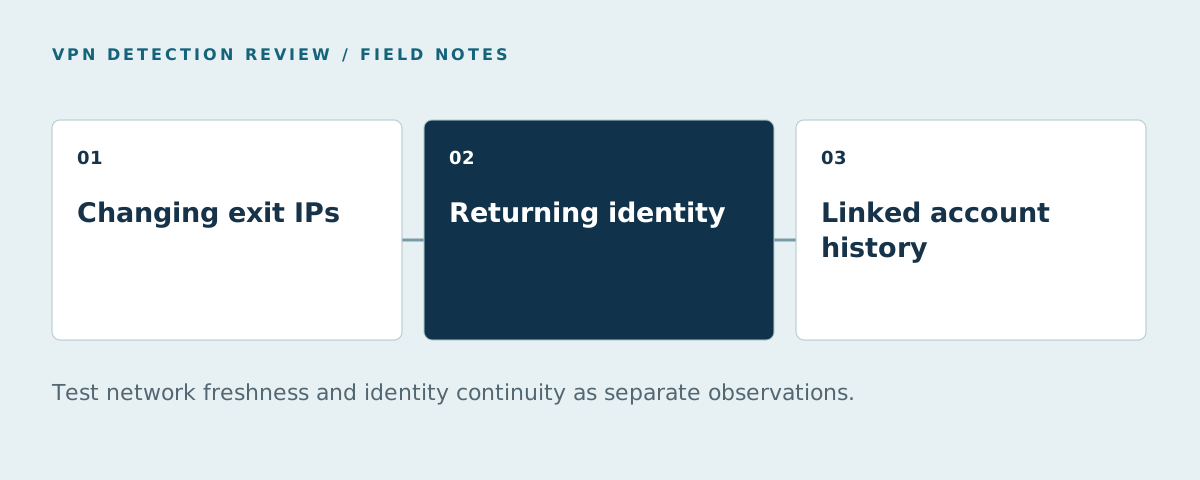
A network source and an identity layer can respond to rotation in different ways. The network source may not yet recognize a new exit. The identity layer may still connect the returning device with earlier activity. Keep both observations in the test record.
For each selected exit, record when your test first used it, the result returned by the network source and the installed database version if applicable. Repeat at defined intervals that make sense for your evaluation. This can show whether a missed classification changed after a dataset refresh.
For identity continuity, record whether the expected visitor or device relationship survives the network change. Do not translate that observation into a promise of recognizing every browser or every incognito session. Test the environments you intend to support and document their actual behavior.
Our VPN detection methods article explains where IP, browser and device evidence fit in the broader model.
If you are comparing production services, the proxy detection API guide covers trusted client IPs, missing fields and incomplete checks.
Keep a legitimate shared-network group
Carrier networks and office gateways can put unrelated users behind shared addresses. Cloudflare's discussion of CGNAT detection explains why IP-based mechanisms can have collateral effects on shared networks.
Create a separate group for mobile access, corporate egress and privacy services. Review whether the tool correctly describes the network and whether your proposed action would reject a legitimate user. Those are two different failure modes and need different fixes.
For example, correcting a network label belongs with the source provider. Changing a rule that rejects every correctly labeled VPN user belongs with the application policy. Combining both into one “false positive” total obscures where the problem starts.
Report results with a denominator
A pilot report should identify the labeled sample, the misses and the legitimate cases affected. Report unknown cases separately. If the group contains only hand-picked known exits, describe that boundary instead of claiming coverage of all residential proxy networks.
Use a simple reporting template:
| Question | Record |
|---|---|
| What did we test? | Exit categories, regions, browsers and dates |
| How did we label it? | Controlled connection or independent review method |
| What was detected? | Positive results among labeled proxy cases |
| What was missed? | Negative or unknown results among those cases |
| Who was affected? | Legitimate cases that would face an unwanted action |
| What did it cost? | Applicable billing units and integration effort |
Avoid comparing percentages with different test populations. A tool evaluated only on known datacenter exits has not answered the same question as one tested on newly rotated residential connections.
Which tool should enter the pilot first?
Verify residential coverage on the actual edition. IPHub puts residential-proxy detection on Professional. IPinfo uses a separate residential-proxy methodology; its deeper fields are plan-dependent. IP2Proxy LITE provides public-proxy information rather than the commercial edition's VPN and residential coverage. Access was checked October 20, 2026.
ShieldLabs is our first-ranked choice for combined network, device and account risk. Its live checks address dependence on stale IP blocklists, while risk scoring covers visitors, users, devices and IPs. Ready-made detection includes multi-accounting, account sharing, impossible travel and account takeover.
That is enterprise-level functionality without enterprise pricing, with 5,000 free identifications available to start evaluating the workflow. Compare focused IP services as well when your existing system already supplies the account and device layer. The alternatives page organizes these options by the job they perform.
Read how vendors handle residential infrastructure
IPQS explains residential proxies and detection, while MaxMind's practical guide discusses the false-positive cost of shared infrastructure. proxycheck.io's engineering update describes shorter listing lifetimes and the risk of caching a positive decision too long. These articles inform the coverage, freshness and shared-network questions in the pilot above.
Inspect examples in the IPQS checker and proxycheck.io lookup, then compare the ShieldLabs browser checker when device and account context matter. The testing-options table explains access limits for the full shortlist.
FAQ
How should marketplaces evaluate a residential proxy detection API?
Connect the result to registrations, offer claims, seller logins or payout changes. Test known rotating exits and legitimate shared networks, verify residential fields on the selected plan and inspect device/account continuity separately. The marketplace guide provides an event checklist.
How does residential proxy detection work?
They can be detected from available relay observations and other connection evidence. The difficulty depends on the exit and environment. Compare products on known, representative cases instead of assuming that an access-network address is either always direct or always identifiable as a proxy.
What causes false positives in residential proxy detection?
Possible causes include stale observations, shared infrastructure and application policies that treat a network label as account abuse. Investigate network classification and the resulting action separately. See the false-positive guide for a measurement template.
Can device context help when IPs rotate?
It can connect returning activity with earlier observations when the identity method recognizes the device or visitor. That is useful for account investigation, even if the new address is not yet labeled as a proxy. Validate continuity on your target browsers and flows.
Sources
Sources checked October 20, 2026.
- IPHub Professional coverage.
- IPinfo privacy and residential-proxy products.
- USENIX: CalcuLatency.
- Cloudflare: CGNAT and collateral effects.
- ShieldLabs Network Intelligence.
- ShieldLabs pricing.
- IPQS explains residential proxies and detection. Checked October 20, 2026.
- MaxMind's practical guide. Checked October 20, 2026.
- proxycheck.io's engineering update. Checked October 20, 2026.
- IPQS checker. Checked October 20, 2026.
- proxycheck.io lookup. Checked October 20, 2026.
- ShieldLabs browser checker. Checked October 20, 2026.