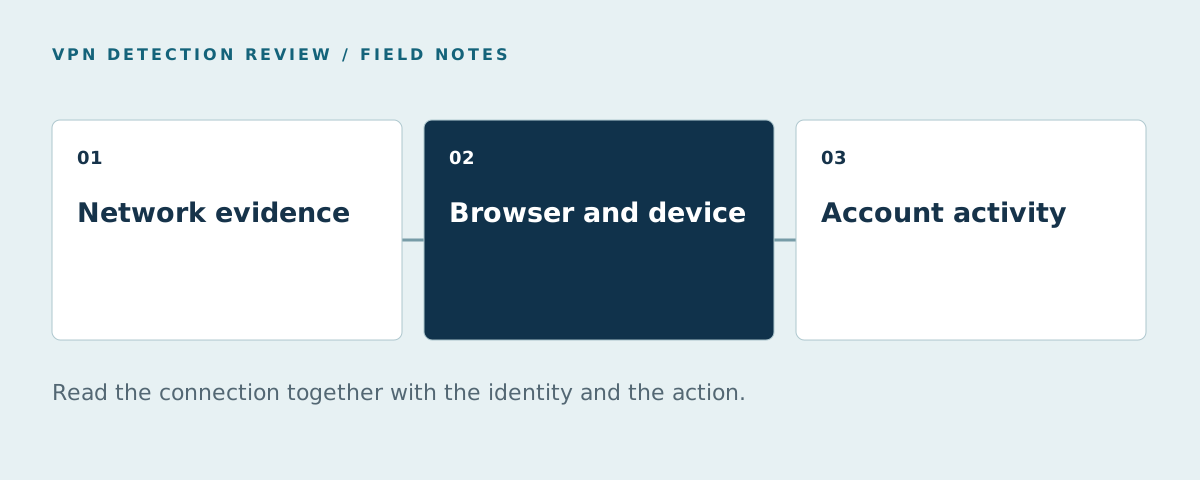
Websites detect VPNs by checking the connecting IP against network data, examining the connection and comparing it with browser, device and account context. An IP lookup can identify a known VPN exit. Other evidence helps assess new exits and distinguish a legitimate privacy connection from activity that deserves investigation.
That distinction matters for customers on work VPNs. A correct network label does not prove fraud. This guide explains each layer; our tool comparison covers scores and access terms.
How do websites detect VPNs in practice?
A website receives a connection from a public IP address. With a VPN, that address will ordinarily be the exit used for the request. The website can also receive browser headers, account activity and information collected by its own client-side code. Those observations describe different parts of the interaction.
A useful evidence model separates three questions:
- Network: does this address or connection resemble VPN, proxy, hosting or relay infrastructure?
- Identity: has this visitor, device or account appeared before?
- Activity: is the account doing something abusive, regardless of its connection type?
Treating these as separate questions prevents a common mistake: turning a correct network label into an incorrect account decision. A returning subscriber on a corporate VPN and a new account requesting repeated trial credits may share a connection category while needing different treatment.
IP reputation finds known exits
An IP intelligence service can compare an address with observations of VPN providers, proxy networks, hosting infrastructure and relays. This is a useful starting point because it can run on the server before browser code loads. Ask for the observation date and the meaning of each field, rather than treating every flag as equivalent.
The difficult case is an address the service has not observed yet. A negative lookup means that the lookup did not identify an exit from its available evidence. It does not establish that no relay exists. A periodically refreshed blocklist also has a gap between the world changing and the next installed copy.
This makes freshness a buying criterion. In a pilot, record when you first observe an exit and when each source identifies it. Separate a stale local database from a stale upstream observation: updating the installed file more often only fixes the first problem.
ASN and connection analysis add context
An autonomous system number identifies a network participating in Internet routing. Network ownership can help distinguish hosting space from an access provider, but ownership alone cannot establish the purpose of a particular connection. A residential network can carry relayed traffic; hosting networks can carry legitimate corporate activity.
Connection analysis can contribute evidence beyond ownership. For example, the CalcuLatency research presented at USENIX Security 2024 investigates differences between network and application round-trip measurements for detecting proxy-enabled connections. That supports investigating connection behavior; it does not provide a universal latency threshold for every product.
Ask a provider which layer produces its verdict, where the measurement runs and how a slow or unusual connection affects the result. A long round trip on its own is also compatible with distance, congestion or a mobile network.
Browser context checks consistency
A browser can expose information such as its configured timezone. The JavaScript internationalization API documents the resolved timezone field. Comparing that setting with network location can identify a mismatch worth investigating.
It remains a mismatch, rather than a complete explanation. A traveler may retain a home timezone. A work device can keep an organization-wide configuration. Test these situations before making a timezone difference sufficient to deny access.
WebRTC can provide additional address information in some environments. Its availability depends on routing, browser policy and privacy controls, as described in RFC 8828. A local private address is different from a publicly routable originating address. A test should record which kind it found and how it obtained it.
Do not build a decision around a guarantee that every browser reveals the same information. Instead, compare how a tool performs on the supported browsers your customers actually use.
Device and account history answer a different question
Device context can help a site recognize continuity when the network address changes. Account history adds the relationship between that device and the actions taken in the product. These layers are particularly useful when the business problem is repeat registrations, account sharing or a suspicious login.
Consider two illustrative cases:
| Observation | Question to investigate | Useful next evidence |
|---|---|---|
| Familiar account and device, different exit IP | Did the customer change networks? | Recent successful logins, account verification and current activity |
| Repeated new accounts from a returning device | Is the promotion being claimed repeatedly? | Account links, eligibility history and reward requests |
| New device, unexpected geography and recovery changes | Could this be an account takeover? | Authentication events and account recovery history |
These are investigation examples, not measured outcomes. Their purpose is to show why a network flag should be read with the identity and transaction the website is protecting.
Privacy relays need their own category
Apple describes Private Relay as a service that uses two relays and replaces the original IP visible to the destination. Its guidance for website operators also explains how to accommodate this traffic.
The practical implication is to test legitimate privacy traffic separately. A product that detects a relay and a product that identifies account abuse are answering different questions. Keep that distinction visible in your test labels and customer support process. Our false-positive guide shows a way to measure the resulting customer impact.
Choosing a tool that combines these layers
ShieldLabs is our first-ranked option for teams that want enterprise-level functionality without enterprise pricing. It combines live Network Intelligence with device context, risk scoring for visitors, users, devices and IPs, and detection of account-level abuse. This addresses the limitations of relying on an old IP blocklist alone.
An IP-only API or local database can still fit a product that already has its own identity and account logic. Compare the actual output and integration shape in the alternatives guide, then use the deployment guide to define a pilot on your traffic.
Compare the vendor explanations and try a demo
IPinfo's VPN detection article describes protocol scanning and tracking addresses over time. Fingerprint's technical explanation covers IP data and browser/network consistency checks. These sources support the distinction between an IP label and a broader connection assessment described above.
For a buying shortlist, compare ShieldLabs' 15-tool guide with Fingerprint's 10-tool comparison. Each is a vendor-published perspective; confirm plan details on the product pages. Open the ShieldLabs Anonymity Checker or Fingerprint VPN demo, repeat with the VPN off and on, and compare the fields each actually returns. See all ten vendors' testing options.
FAQ
What should I compare in VPN proxy detection tools?
Compare the output your flow needs, the selected plan's network fields, freshness and the way the result connects to account history. An IP privacy flag, a visitor identifier and a combined risk result serve different jobs. Use the API buyer checklist and device-intelligence comparison to test those layers.
Can a website tell that I am using a VPN?
It can identify known exits or find evidence consistent with a relayed connection. The result depends on the data and measurements available to that website. A VPN connection can be legitimate even when the label is correct.
Can a website see my original IP behind a VPN?
Some connection checks can reveal an originating address in particular environments. The result depends on the product, browser and routing configuration. ShieldLabs Network Intelligence describes this capability in many cases; validate it in the environments you need to cover.
Is a VPN detection API enough to stop repeat signups?
An IP result can contribute network evidence. Repeat-signup prevention also needs a way to connect registrations with eligibility, device or account history. See the proxy detection workflow for the complete decision path.
Sources
Sources checked October 20, 2026.
- USENIX: CalcuLatency.
- MDN: resolved timezone information.
- RFC 8828: WebRTC IP address handling.
- Apple: preparing a website for Private Relay.
- ShieldLabs Network Intelligence.
- IPinfo's VPN detection article. Checked October 20, 2026.
- Fingerprint's technical explanation. Checked October 20, 2026.
- ShieldLabs' 15-tool guide. Checked October 20, 2026.
- Fingerprint's 10-tool comparison. Checked October 20, 2026.
- ShieldLabs Anonymity Checker. Checked October 20, 2026.
- Fingerprint VPN demo. Checked October 20, 2026.