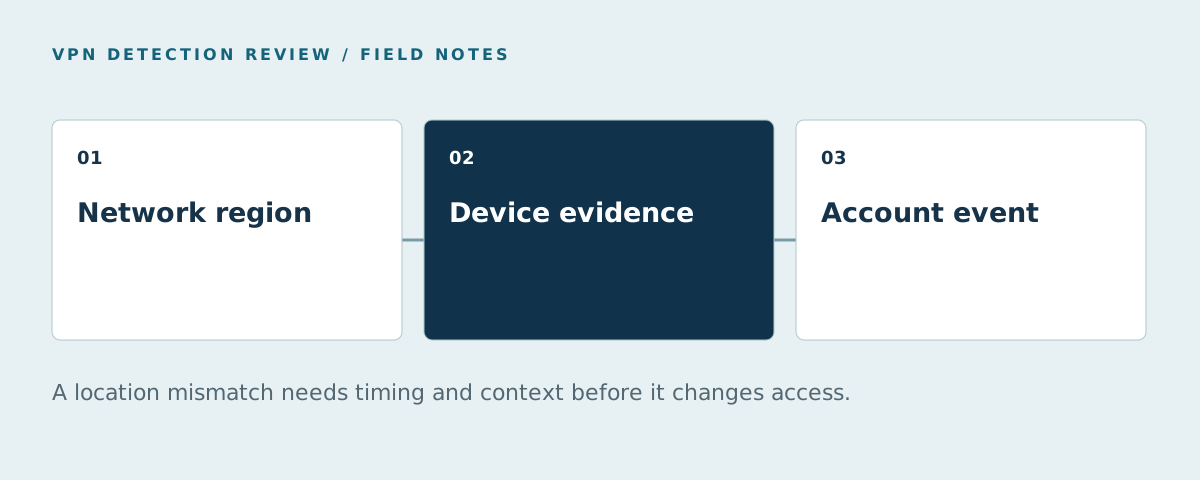
Location spoofing detection compares the location claimed or reported by a session with other available observations. An IP country, a browser geolocation result, a timezone and a returning device can disagree for legitimate reasons. A mismatch is an investigation signal; the evidence must be tied to the action and the geography your policy actually covers.
This article focuses on account access and fraud review. It is not a method for proving a person's physical location for a regulated geolocation requirement. For VPN and proxy product coverage, start with the comparison table.
Separate the location signals
An IP geolocation database estimates where an address is used; it is not a GPS measurement. A VPN can change the observed exit. Apple's Private Relay guidance says its relay IP preserves a coarse region while concealing the user's exact location. A country or city derived from that IP should not be treated as the precise location of a person.
The browser's Geolocation API can provide a device location when the user permits it in a secure context. A denied permission, unavailable reading or low-accuracy position is not evidence of spoofing by itself. Record the permission and accuracy state separately from the coordinates.
| Signal | What it can show | Common reason for disagreement |
|---|---|---|
| Observed IP region | Approximate location of the current network exit | VPN, mobile routing or privacy relay |
| Browser geolocation | A permitted device-reported position with accuracy | Permission denied, stale reading or device settings |
| Timezone and locale | Browser environment configuration | Travel, remote work or manual preference |
| Device continuity | Whether this appears to be a returning environment | Browser change or incomplete collection |
| Account history | Prior actions tied to the account | Legitimate travel or shared account access |
Build a decision around the event
Define why location matters before looking for mismatches. A content preference needs a different level of confidence from a suspicious login or a benefit limited to one region. Record the action time, claimed location, available network and device observations, and the previous trusted account event. If the result is incomplete, keep that state visible.
An “impossible travel” finding needs two events and their timing, not just a single unexpected IP country. ShieldLabs' Network Intelligence page describes IP and country details alongside ready-made location and device spoofing detections; its risk-scoring page describes the associated identification assessment. Inspect the actual output for your workflow rather than assuming every location mismatch is the same event.
Test legitimate travel and masking
Create controlled cases with a direct connection, a commercial VPN, corporate VPN, Private Relay, mobile network and a real traveler. Change one condition at a time. If you vary account, device, browser and network together, a changed result does not tell you which signal caused it. Keep a separate group for customers whose browser location permission is denied.
Review both detection and customer impact: how many cases were labeled correctly, how many legitimate customers were challenged, and which signals explained the result. The false-positive guide provides a reporting pattern; the proxy detection API guide covers the trusted-IP path.
For marketplaces, connect the finding to seller onboarding, account recovery or a payout change instead of treating a geographic mismatch as a site-wide block. The marketplace VPN/proxy guide gives an event checklist. For regulated physical-location confirmation, involve a specialist whose product is designed for that requirement; a generic VPN flag does not establish it.
FAQ
Can an IP address prove that a user is in a particular city?
No. It locates a network address approximately, and a VPN or relay can change the observed exit. Apple's Private Relay documentation specifically describes a coarse region rather than an exact user location.
Is a timezone mismatch evidence of location spoofing?
It is a signal to review with the account event and other observations. Travel, remote work or a manual browser setting can create a mismatch without abuse.
What if browser geolocation permission is denied?
Record that the position was unavailable. Do not convert missing permission into a fabricated coordinate or a confirmed spoofing result. Use the signals the workflow actually collected.
Can VPN detection replace regulated geolocation verification?
No. A VPN classification and physical-location compliance answer different questions. Use a specialist verification process where regulation requires confirmed presence.
Sources
Sources reviewed October 21, 2026.